
A new Windows computer usually comes with plenty of software already installed.
What it doesn't necessarily come with is a security setup that reflects your needs.
Your passwords, personal files, browsing activity, network connections and even data you thought you had deleted can all tell a story about you. While Windows has become considerably better at security and privacy, there is still a lot users can do themselves.
The good news is that some of the most useful tools don't require expensive enterprise software or complicated security infrastructure.
There is a growing ecosystem of open-source security and privacy tools that can give ordinary users considerably more control over their computers.
Open source does not automatically mean secure. That's an important distinction. But when the source code is available for inspection, security researchers and the wider community have the opportunity to examine how a product works, identify weaknesses and contribute improvements.
For Trygg Montis, that transparency is part of what makes these projects interesting.
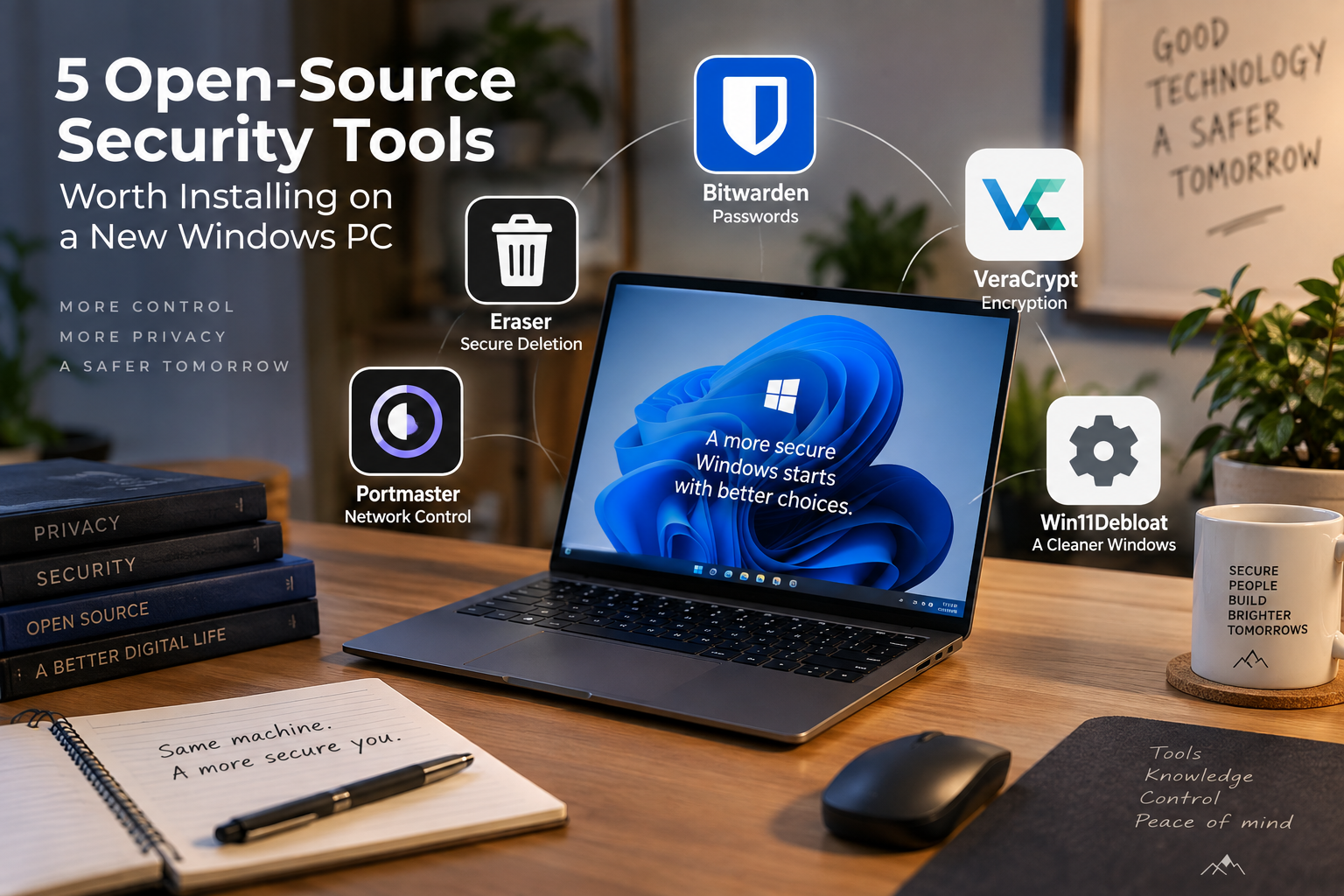
Here are five open-source tools worth knowing when setting up a new Windows machine.
1. Bitwarden — Start with your passwords
If there is one security upgrade most people should make before anything else, it is probably better password management.
We still reuse passwords. We still choose passwords that are too easy to remember. And we still store credentials in browsers, notebooks, spreadsheets and messages.
A password manager changes the equation.
Bitwarden is an open-source password manager that allows users to generate, store and autofill passwords and other sensitive information.
The basic idea is simple:
You don't have to remember dozens of strong passwords. You only have to protect one strong vault.
Bitwarden works across computers, browsers and mobile devices, making it practical for everyday use as well as for families and organisations.
It also supports modern authentication technologies such as passkeys and two-factor authentication.
Why it matters
Password security is foundational.
A perfectly secured computer is still vulnerable if an attacker can walk through the front door using a reused, weak or compromised password.
Using a password manager makes it much easier to:
Create unique passwords for every account
Generate long, random passwords
Store credentials securely
Avoid password reuse
Use two-factor authentication
Share selected credentials securely where appropriate
Security starts with identity.
2. VeraCrypt — Protect the data itself
Passwords protect access to systems.
Encryption protects the data.
That distinction matters.
VeraCrypt is an open-source disk-encryption application that can create encrypted containers and encrypt storage volumes.
Instead of relying solely on Windows permissions or a login password, encryption protects the underlying information by making it unreadable without the appropriate credentials.
This becomes particularly important when dealing with:
Laptops
External hard drives
USB drives
Backups
Sensitive documents
Confidential organisational information
Imagine losing a laptop containing confidential documents.
Without appropriate encryption, physical possession of the machine could potentially give someone access to the data.
With properly implemented encryption, the situation is very different.
Why it matters
Security isn't only about keeping attackers out.
Sometimes it is about making the information useless to whoever gets hold of the storage.
That is the fundamental value of encryption.
3. Eraser — Because deleting isn't always the end
Most of us treat deleting a file as the end of its life.
From a security perspective, that assumption can be dangerous.
Depending on the storage technology and circumstances, simply deleting a file does not necessarily mean that the underlying information has immediately become unrecoverable.
Eraser is an open-source Windows application designed for secure data removal.
It can be useful when dealing with sensitive documents or preparing storage for another person.
But there is an important catch
Secure deletion isn't magic.
Modern storage technologies, particularly SSDs, make traditional file-overwriting assumptions considerably more complicated than they were with older hard drives.
That means Eraser is useful, but it is also a good reminder that secure deletion depends on understanding the storage technology you're actually using.
Why it matters
Data security doesn't necessarily stop when you press Delete.
Understanding what happens to information after deletion is an important part of responsible data management.
4. Portmaster — See what your computer is talking to
Your browser isn't the only application communicating over the internet.
Your operating system and installed applications can make network connections in the background for:
Updates
Synchronisation
Analytics
Telemetry
Cloud services
Tracking
Other online functions
Most users never see these connections.
Portmaster, developed by Safing, takes a different approach.
It is an open-source application firewall designed to let users monitor network activity and control connections on a per-application basis.
It can also provide features such as tracker blocking and secure DNS.
This changes the question from:
"Is my computer connected to the internet?"
to:
"What exactly is my computer communicating with?"
For technically curious users, that visibility is extremely useful.
For organisations, it can also introduce a much more understandable way of thinking about outbound network traffic.
Why it matters
You cannot meaningfully control network privacy if you cannot see what is happening.
Portmaster gives users a window into activity that would otherwise remain largely invisible.
5. Win11Debloat — Take control of your Windows installation
Windows is a sophisticated operating system.
It is also designed for a very broad audience, which means a fresh installation may contain applications, services, interface elements and settings that you don't personally need.
Win11Debloat is an open-source PowerShell project that can remove selected pre-installed applications, change various Windows settings and disable or remove certain unwanted components.
It is designed to give users more control over what remains on their Windows installation.
A word of caution
This is the tool on our list where we would recommend the most caution.
A script that changes operating-system settings deserves to be understood before it is executed.
Some applications may be needed by other Windows features, and aggressive debloating can create problems later.
The objective shouldn't be to remove as much as possible.
It should be to understand what you are removing and why.
Why it matters
A computer should work for its owner.
Reviewing unnecessary software and settings can reduce clutter, improve privacy and give users greater control over their Windows environment.
Five tools. Five different layers of security.
These tools solve very different problems.
| Tool | Primary focus |
|---|---|
| Bitwarden | Passwords and digital identity |
| VeraCrypt | Data and disk encryption |
| Eraser | Secure data deletion |
| Portmaster | Network visibility and control |
| Win11Debloat | Windows configuration and privacy |
None of them, individually, makes a computer secure.
And that's not really the point.
Good security is usually a collection of relatively small decisions that reduce the number of ways something can go wrong.
Use unique passwords.
Encrypt sensitive information.
Think about what happens to data when you delete it.
Understand what applications are communicating over your network.
Review the software and settings that come with your operating system.
And, perhaps most importantly, know what your security tools are actually doing.
Why open source?
The phrase open source is sometimes treated as a synonym for secure.
It isn't.
Open-source software can contain vulnerabilities. It can be poorly maintained. It can be misconfigured. And making source code publicly available does not guarantee that anyone has actually audited every line of it.
But open source provides something valuable:
Transparency.
The source code is available for examination. Researchers can investigate it. Developers can contribute to it. Security professionals can analyse how it works.
For security and privacy software, that level of visibility is particularly valuable.
It allows us to ask not only:
"Does this application claim to protect me?"
but also:
"How does it actually work?"*
That is a question worth asking about any security product.
Security is a process, not an installation
Installing five applications won't make a computer invulnerable.
There is no such thing as a perfectly secure computer.
Security is an ongoing process of reducing risk, understanding your technology and making deliberate choices about what you allow, store, share and connect.
These five projects are interesting because each tackles a different part of that problem.
Bitwarden helps protect your accounts.
VeraCrypt helps protect your data.
Eraser makes you think about what happens when data is deleted.
Portmaster helps you understand your network connections.
Win11Debloat gives you greater control over your Windows environment.
Together, they provide something more valuable than a list of applications.
They provide a starting point for thinking about digital security as something you actively manage.
The Trygg Montis Open-Source Security Series
This is just the beginning.
In the coming articles, we'll take a closer look at each of these tools.
We'll look at what they do, who should use them, how to get started, where they fit into a security strategy, and where their limitations lie.
Because the best security tool isn't necessarily the most sophisticated one.
It's the one you understand well enough to use properly.
Trygg Montis — helping you understand the technology that helps keep you secure.