
Technology training that works the way your organisation actually works.
Not theoretical IT lectures or generic career courses. We run hands-on, job-applicable workshops designed specifically for NGOs, schools, administrative teams, and small businesses.
Each workshop is built around real office documents, live spreadsheets, and practical workflows that your team can apply the very next morning.
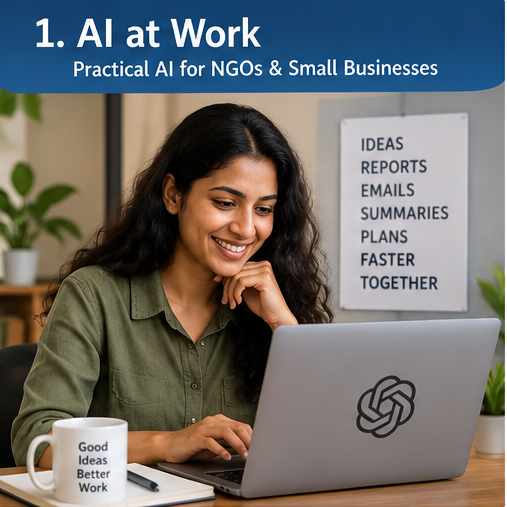
AI at Work
- Drafting & Communication: High-impact donor emails, grant proposal drafts, meeting minutes, and operational SOPs.
- Information Synthesis: Summarising 60-page PDF reports, extracting tables, and translating multi-lingual documents.
- Spreadsheet & Data Aid: Generating complex Sheets/Excel formulas, troubleshooting formula errors, and cleaning messy text.
- Knowledge Resources: Turning internal guidelines into searchable team cheat-sheets and structured templates.
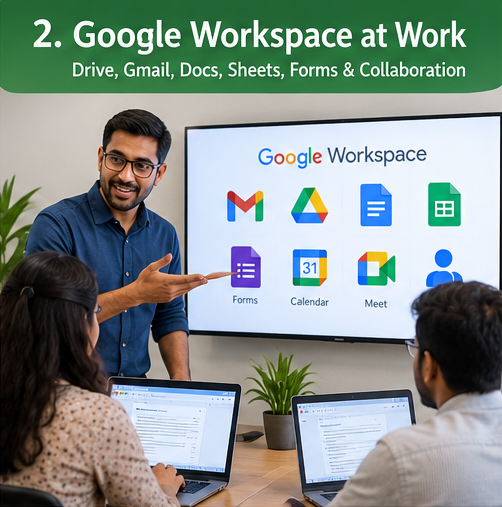
Google Workspace at Work
- Drive Architecture: Setting up Shared Drives vs My Drive, folder hierarchies, and intuitive naming conventions.
- Permissions & Access Control: Manager vs Content Manager vs Viewer roles; eliminating accidentally shared public links.
- Staff Lifecycle: Best-practice checklists for onboarding new staff and secure data handover during offboarding.
- Organisation Templates: Creating standardised Google Docs, Forms, and Sheets templates for the entire team.
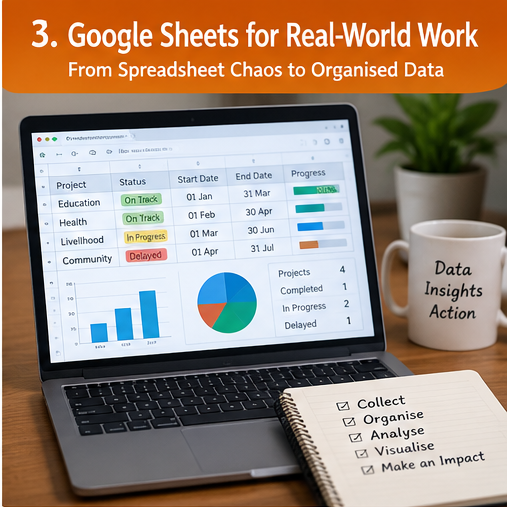
Google Sheets for Real-World Work
- Data validation & dropdowns
- Conditional formatting
- Clean data entry rules
- Smart filters & filter views
IF,SUMIFS,COUNTIFS- Modern
XLOOKUP FILTER&UNIQUEQUERY&ARRAYFORMULA
- Interactive Pivot Tables
- Master Database structures
- Multi-sheet linked systems
- Executive KPI Summary cards
- Google Form integration
- Automated email triggers
- Apps Script intro
- Automated report exports
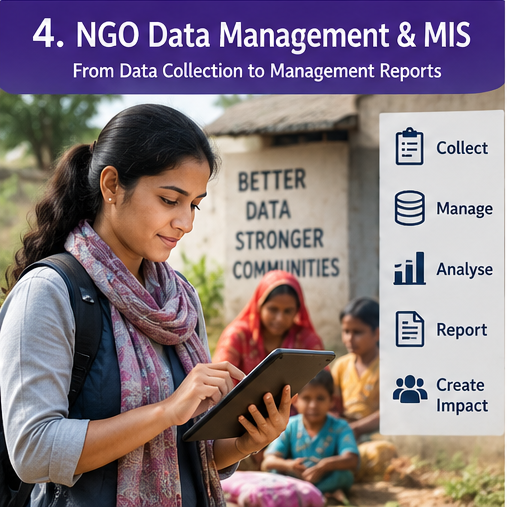
NGO Data Management & MIS
- Data Collection Design: Crafting foolproof forms (mobile & web) that prevent incorrect field entries before they happen.
- Master Beneficiary Database: Generating unique beneficiary IDs, merging family rosters, and preventing duplicate enrollments.
- Monthly MIS & KPI Tracking: Tracking target vs actual achievements across centres, schools, or community clusters.
- Donor-Ready Reporting: Assembling audit-proof tables, exportable summary figures, and clean quarterly progress reviews.
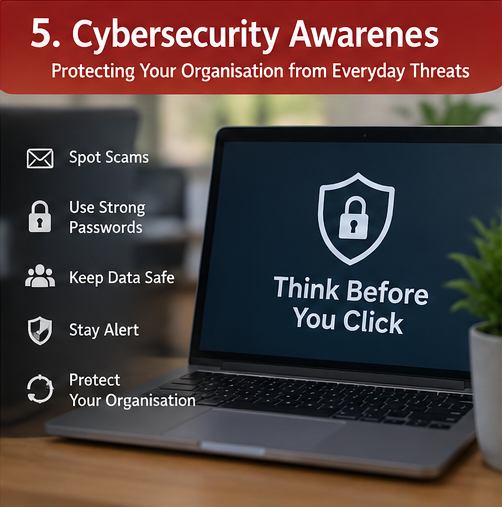
Cybersecurity Awareness
- Email Spoofing & Fake Invoices: Recognizing disguised sender addresses, altered bank account PDF scams, and CEO fraud.
- WhatsApp & Social Engineering: How attackers target employees via SMS/WhatsApp pretending to be vendors or senior leadership.
- Password & MFA Hygiene: Password managers, enabling 2-Factor Authentication properly, and separating personal vs work accounts.
- Device & Data Breach Drills: What to do immediately when a phone/laptop is lost, or when an accidental link is clicked.
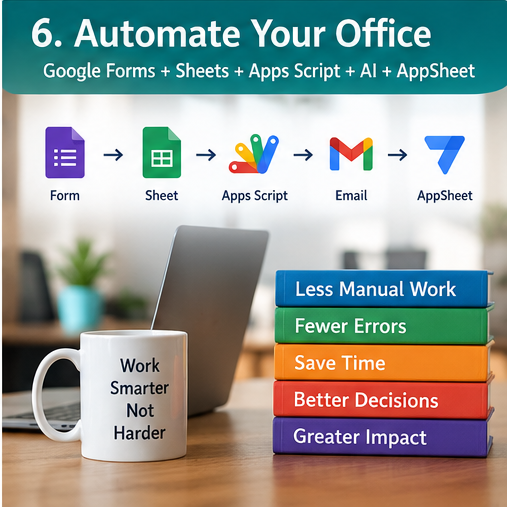
Automate Your Office
Staff submits expense form → Manager receives one-click approval email → Accounts ledger automatically updates → Employee gets confirmation PDF attached.
Field coordinator records student data → System auto-generates QR/Unique ID → Syncs to master roster → Sends automated WhatsApp/Email acknowledgement.
Why Organisation-First Training?
Most training programs teach technology in a vacuum: generic exercises, theoretical slides, or abstract programming syntax. We teach technology from the standpoint of an organisation's daily survival and efficiency.
We use actual donor reports, authentic field databases, and real office email templates. If it cannot be put to work on Monday morning, we don't teach it.
Every module reinforces governance: who has access, how to safeguard beneficiary identities, and preventing accidental sharing disasters.
Convenient online schedules (Evenings or Weekend Intensives) mean zero disruption to your team's regular working hours and field operations.
We can adapt any workshop to your team's specific dataset and existing tools.